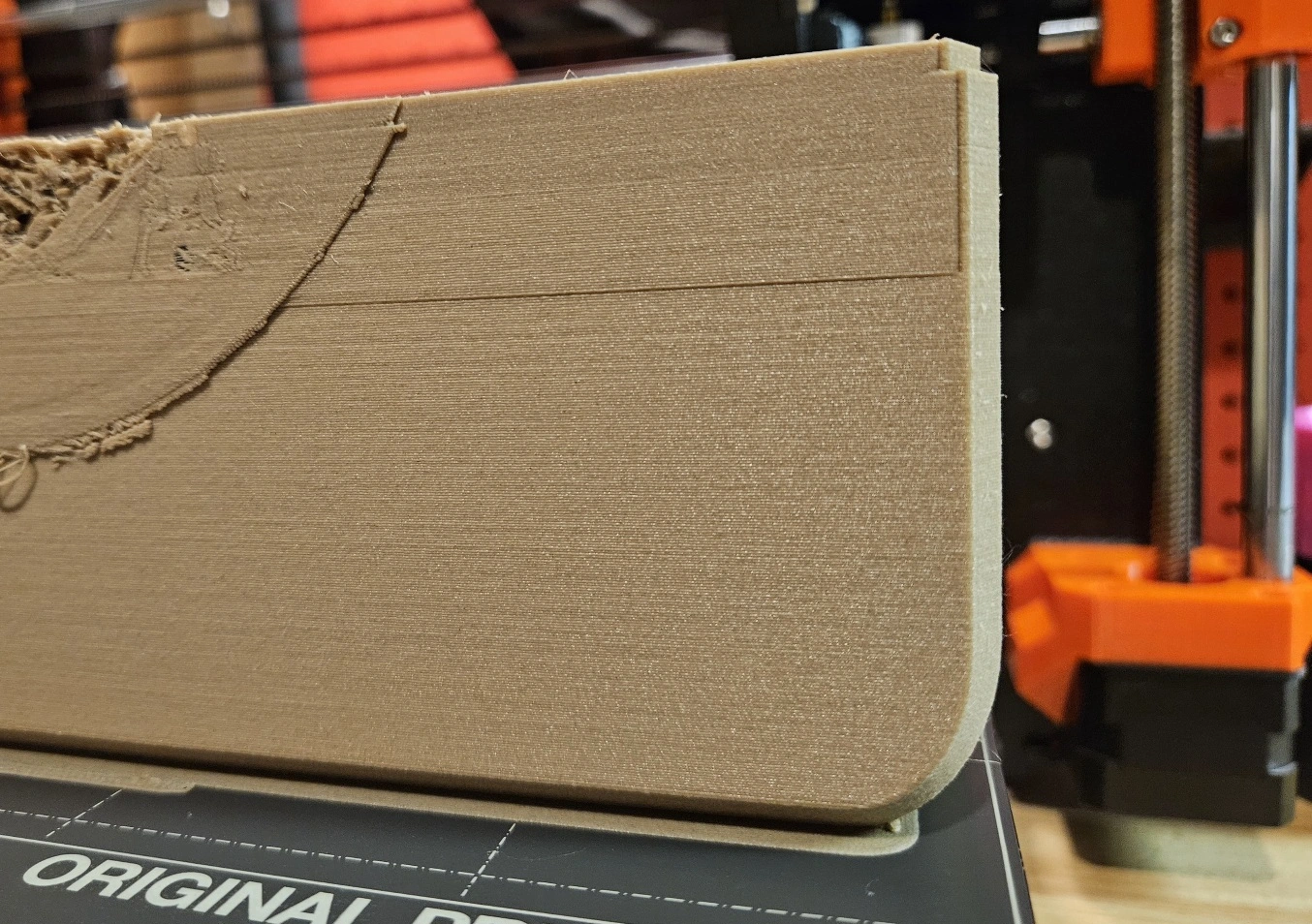
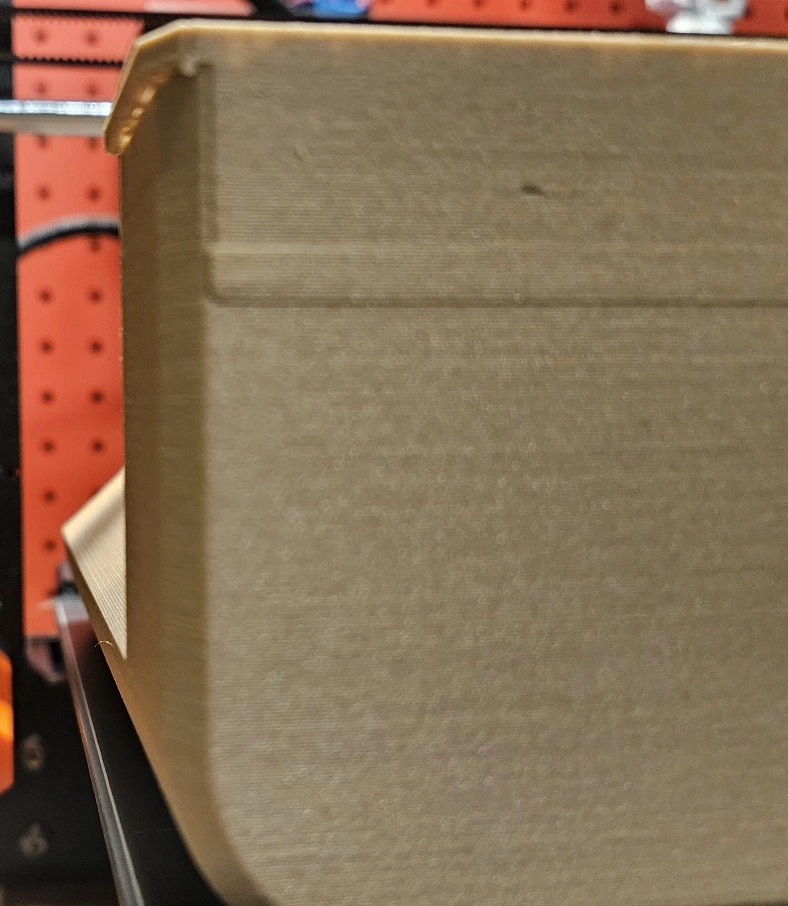
Right in the middle of an absolutely massive print this x axis shift occurred. MK4 printer. Printer ran a calibration just prior to print. Once my tears dry up, and I buy some more filament, how do I prevent this from happening again when I retry this?
You must log in or # to comment.
Are all belts on the printer tightened properly? Did you print via Octoprint? Sometimes this may happen if there’s a short network / WiFi issue. Can also happen with some brands of SD cards. So if you have another one available that might be worth a try.
And can’t you save your print by simply grinding off the superfluous filament? If parts are missing you might also add some glue or putty to fill the gaps. If visual appearance is important for your part you could also apply some spray paint or acrylic paint.
Belts being too tight is just as much of a culprit as belts being too loose. Tension your X axis belt correctly.
deleted by creator
It looks very close to the edge of the print bed. Is there any chance the print head crashed into the side and made the belt slip? Something like this?
Here is an alternative Piped link(s):
Piped is a privacy-respecting open-source alternative frontend to YouTube.
I’m open-source; check me out at GitHub.